
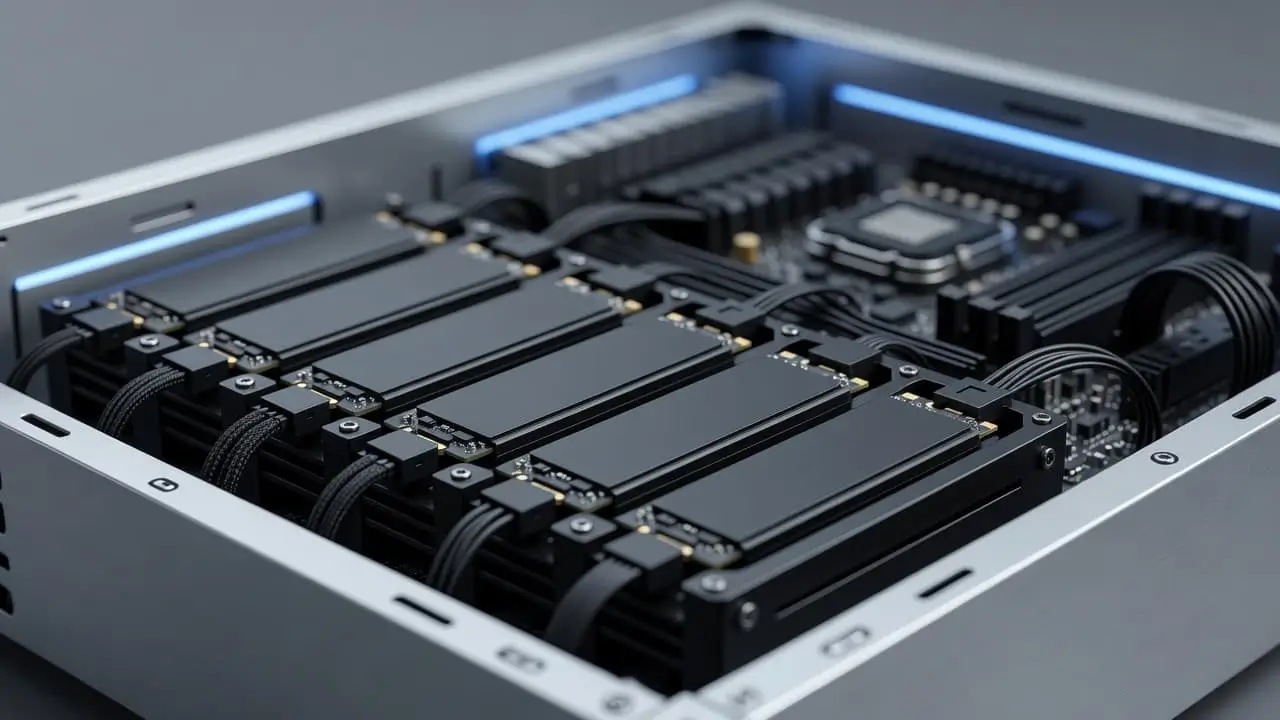
If one hard drive fails, your files can disappear fast. That’s why many people start looking at software RAID before they build a home server, set up shared storage, or organize years of photos and videos.
Software RAID lets your operating system combine multiple drives into one storage setup. Depending on the RAID level, you can get more speed, protection from a failed drive, or a mix of both.
Before you spend money on extra hardware, it helps to know what software RAID can already do, and where its limits start.
Table of Contents
Software RAID explained in simple terms
Software RAID is a way to manage several drives with the operating system instead of a separate RAID card. The computer handles how data gets split, copied, or rebuilt across those drives. In practice, that means Windows, Linux, or another system does the coordination work.
The goal depends on the RAID level you choose. Some setups focus on speed. Others focus on keeping your data available if one drive dies. Some try to balance both. For most beginners, the big appeal is simple: you can build a more capable storage setup with hardware you may already own.
How software RAID works behind the scenes
The operating system groups several physical drives into one array. Then it decides how files should be written across them.
With mirroring, the same data goes to more than one drive. If one drive fails, the copy on the other drive is still there. With striping, data is split into pieces and spread across drives, which can improve speed. With parity, the array stores extra information that helps rebuild lost data after a drive failure.
Because the computer itself manages this process, software RAID uses some CPU and memory. On modern systems, that overhead is often modest for home and small office workloads.
The most common RAID levels beginners should know
This quick table covers the RAID levels most people run into first.
| RAID level | Minimum drives | What it’s good for | Main tradeoff |
|---|---|---|---|
| RAID 0 | 2 | Faster performance | No protection if one drive fails |
| RAID 1 | 2 | Simple drive failure protection | You lose half your raw capacity |
| RAID 5 | 3 | Balance of space and protection | Rebuilds can be slow, writes are more complex |
| RAID 10 | 4 | Strong performance and redundancy | Needs more drives, costs more |
For beginners, RAID 1 is often the easiest starting point, while RAID 10 is popular when both speed and protection matter.
Read More: Software Glitch vs Bug
Software RAID vs. hardware RAID: Which one makes more sense?
Hardware RAID uses a dedicated controller card or built-in controller to manage the array. Software RAID leaves that job to the operating system. That one difference affects cost, setup, recovery, and performance.
If you want a side-by-side breakdown, StarWind’s comparison of software RAID and hardware RAID gives a useful overview. Still, the short version is simple: software RAID is cheaper and more flexible, while hardware RAID can make sense for heavier workloads or specialized business systems.
Where software RAID has the edge
Cost is the biggest win. You don’t need a dedicated RAID card, so you can use standard motherboards and ordinary drives.
It’s also flexible. If you’re running Linux, for example, tools like mdadm make it possible to build and manage arrays without extra hardware. Recovery can be simpler too, because you’re not tied to a failed controller card. In many cases, you can move the drives to another compatible system and bring the array back online more easily.
For home labs, small NAS builds, and modest office storage, software RAID often gives enough performance without extra expense.
When hardware RAID may be the better fit
Hardware RAID can help when storage workloads are heavy and consistent. A busy database server, virtualization host, or large business file server may benefit from a dedicated controller.
Some hardware RAID cards also offer battery-backed cache, which can improve write performance and help protect in-flight data during power loss. In addition, controller-level tools can make management easier in some enterprise setups.
The tradeoff is lock-in. If the controller fails, recovery may depend on finding the same model or a closely related one. That can turn a simple drive problem into a hardware hunt.
When software RAID is a smart choice for real-world setups
Software RAID works best when you want better storage protection without spending much on specialized parts. It isn’t a one-size-fits-all fix, but it fits more situations than many beginners expect.
Home servers and personal storage
A home server is a common use case. You might want one box for family photos, a movie library, PC backups, and shared folders across the house.
In that setup, software RAID can make a lot of sense. RAID 1 can keep a copy of your data on two drives. RAID 10 can add speed if several people use the server at once. If you’re building a basic NAS-style system from spare parts, software RAID keeps costs down while giving you better fault tolerance than a single drive.
That said, it doesn’t replace a backup drive or cloud backup.
Small business storage and Linux systems
Small teams often care about budget, easy replacement parts, and control over how storage is built. Software RAID checks those boxes, especially on Linux servers.
Linux has long supported software-managed arrays, and mdadm remains a common tool for this job. Shared file storage, internal backups, and light application servers can all run well on this approach. For another look at common use cases and tradeoffs, Xinnor’s software RAID overview gives helpful context.
For many small businesses, the appeal is practical. Standard hardware is cheaper to buy, easier to replace, and usually good enough.
The main benefits, limits, and mistakes to avoid
Software RAID is useful, but it doesn’t solve every storage problem. The benefits are real, and so are the limits.
Why people like software RAID
- It usually costs less because there’s no RAID card to buy.
- It works with common hardware, which makes upgrades easier.
- It gives you more control over setup and recovery options.
- It often fits home servers and small business storage well.
Common beginner mistakes to watch for
The biggest mistake is treating RAID like backup. RAID helps with drive failure. It does not protect you from accidental deletion, malware, theft, fire, or file corruption that gets copied across the array.
RAID protects uptime better than it protects you from every kind of data loss.
Another common mistake is mixing mismatched drives and expecting full capacity from all of them. Arrays usually work best when drive sizes and speeds are close. Also, don’t pick a RAID level based on a name alone. Start with your goal. Do you want speed, uptime, or both? Then choose the level that fits, and keep a separate backup no matter what.
Final thoughts
Software RAID is the operating system’s way of turning several drives into one smarter storage setup. For beginners, that’s often enough to get better protection or performance without paying for extra RAID hardware.
The best setup depends on what you store and how much downtime you can accept. Match the RAID level to your real goal, and keep a separate backup so one storage problem doesn’t become a permanent loss.

