

In today’s digital-first economy, knowing how to get an online bank statement is a fundamental skill for managing your personal or business finances. Whether you are applying for a mortgage, preparing for tax season, or simply auditing your monthly spending, digital statements (often called eStatements) offer a secure, efficient, and eco-friendly alternative to traditional paper mail.
As financial experts, we’ve outlined the exact steps to retrieve your records safely, along with professional tips on security and organization.
1. Why Switch to Online Bank Statements?
Before diving into the “how,” it’s important to understand the professional advantages of going paperless:
- Faster Access: eStatements are typically available 3–5 days earlier than paper copies.
- Enhanced Security: Physical mail is susceptible to “dumpster diving” and identity theft. Online portals use 128-bit SSL encryption.
- Audit-Ready History: Most banks store up to 7 years of history online, making it easy to find a transaction from 2021 in seconds.
- Eco-Friendly: Reducing paper waste helps lower your carbon footprint.
2. Step-by-Step: How to Get Your Statement Online
While every bank’s user interface differs slightly (e.g., Chase, Bank of America, HSBC), the general workflow remains consistent across major financial institutions.
Phase 1: Accessing the Portal
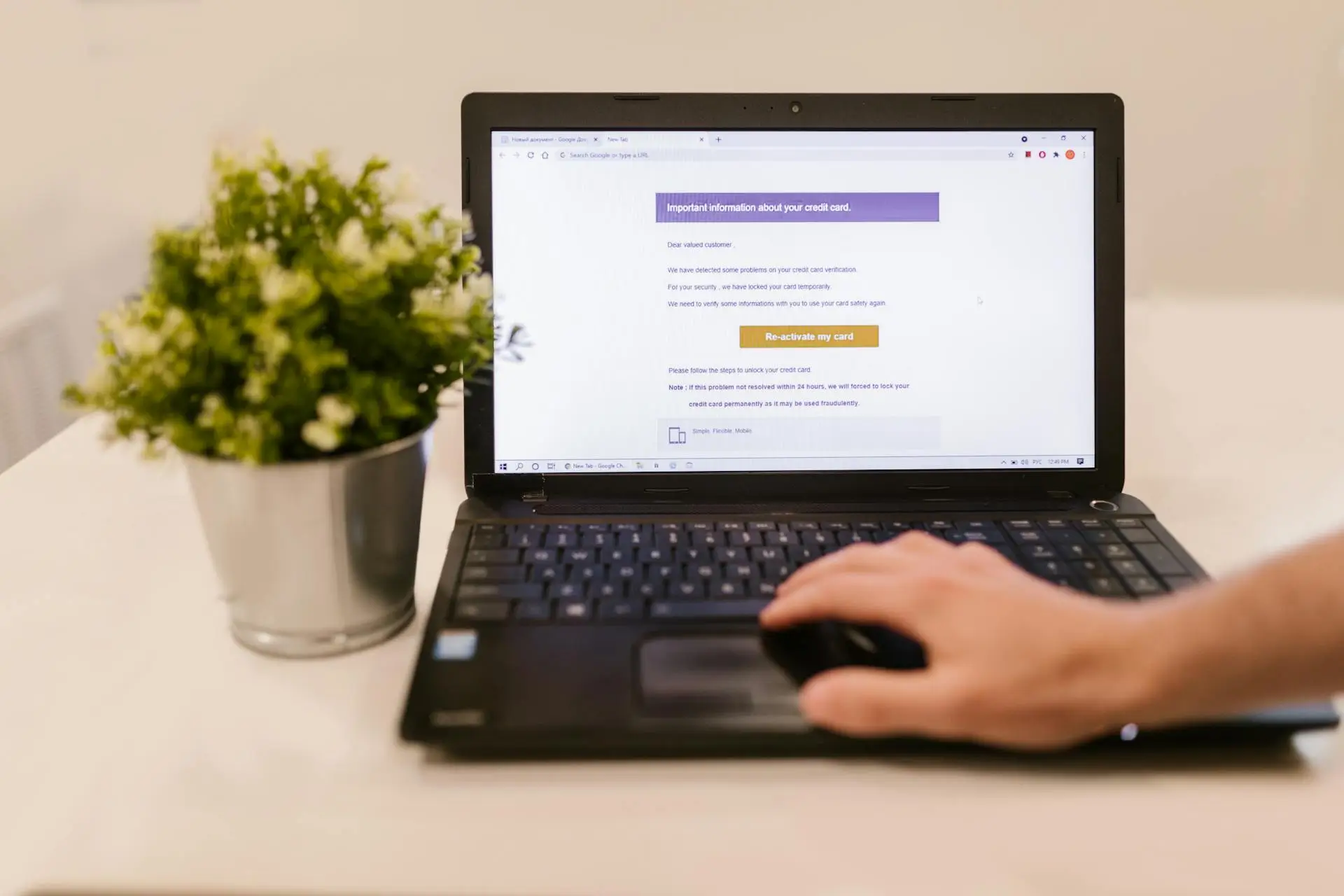
- Navigate to Official Site: Always type the bank’s URL directly into your browser. Avoid clicking links in emails to prevent phishing.
- Secure Login: Enter your credentials. If you haven’t enabled Multi-Factor Authentication (MFA), we strongly recommend doing so before accessing sensitive documents.
Phase 2: Finding the Documents
- Locate the Tab: Look for headings such as “Statements & Documents,” “eStatements,” or “Account Services.”
- Select Your Account: If you have multiple accounts (Checking, Savings, Credit Card), choose the specific one you need.
- Choose Date Range: Banks usually organize statements by month. If you need a custom range for a loan application, look for a “Search Transactions” or “Custom Date” export option.
Phase 3: Downloading and Saving
- Choose Format: PDF is the gold standard for legal and official use. If you are doing data analysis, look for CSV or Quicken (QFX) formats.
- Download: Click the download icon.
- Pro Tip: Do not leave these files in your “Downloads” folder. Move them to an encrypted drive or a password-protected cloud folder immediately.
3. Expert Tips for Different Use Cases
For Mortgage & Loan Applications
Lenders often require “unaltered” PDF statements. Do not take screenshots; a screenshot is rarely accepted as a legal document because it lacks the full header/footer information and the bank’s official formatting.
For Small Business Owners
If you are using accounting software like QuickBooks or Xero, use the OFX or CSV export rather than a PDF. This allows for “bank feeds,” which automatically reconcile your books, saving hours of manual entry.
4. Safety First: The “Bank Statement Rule”
In the banking world, the “Bank Statement Rule“ places a level of responsibility on the consumer. You are legally expected to review your statements periodically. Most banks have a 30-to-60-day window during which you must report unauthorized transactions to be fully protected from loss.
Expert Security Checklist:
- Avoid Public Wi-Fi: Never download statements while on a coffee shop or airport Wi-Fi. Use a VPN or your mobile hotspot.
- Password Protect: If you share a computer, ensure your PDF statements are stored in a hidden or password-protected folder.
- Log Out: It sounds simple, but many data breaches occur because a user left a banking session active on a shared device.
5. Frequently Asked Questions (FAQ)
How far back can I get bank statements online?
Most major banks provide 2 to 7 years of history. If you need records older than that, you may need to contact a branch for a “Historical Research Request,” which often carries a small fee.
Can I get a bank statement through a mobile app?
Yes. Most modern apps (like the HDFC, Wells Fargo, or Monzo apps) have a “Documents” section where you can view a PDF and “Share” it directly to your email or cloud storage.
Is an online bank statement the same as a paper one?
Legally, yes. Under the E-Sign Act, electronic records have the same validity as printed documents, provided they contain the bank’s logo, your name, account number (usually masked), and a full transaction history.
Summary for Success
Learning how to get an online bank statement is more than just a digital chore, it’s a critical part of maintaining your financial health. By moving to eStatements, you gain speed, security, and a better organized financial life.